Hi,
You can try this step by step :
Define the Workflow Variable:
Ensure you have a workflow variable defined in your process. This variable will hold the value you want to use in your SQL query.
Go to the Process Builder. > Locate the SQL Query Tool element in your process flow. >

Double-click on the SQL Query Tool element to open its properties.

In the SQL Query field, you will write your SQL statement.
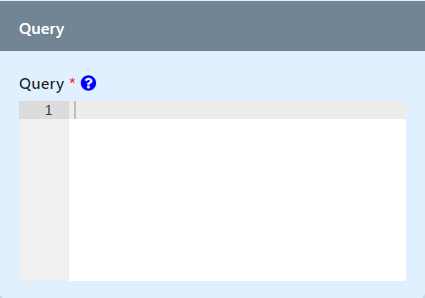
Insert Workflow Variable in SQL Query:
To use a workflow variable in your SQL query, you need to reference it using Joget’s Hash Variable syntax for accessing workflow variables.
Here’s an example:
Hash Variable#WorkflowVariableHashVariable:~:text=Chart%20Menu-,Workflow%20Variable%20Hash%20Variable,-Name
SELECT * FROM your_table_name WHERE column_name = '#variable.variableName#'
Suppose you have a workflow variable named customerID, and you want to fetch details from a table named customers where the id matches the customerID.
Your SQL query would look like this:
SELECT * FROM customers WHERE id = '#variable.customerID#'
Replace your_table_name with your actual table name, column_name with the actual column you’re querying against, and variableName with the name of your workflow variable.
Save your configuration.
Deploy your process.
You can refer here for the documentation :
SQL Query Tool.
